
|
This section will not be visible in live published website. Below are your current settings: Current Number Of Columns are = 1 Expand Posts Area = Gap/Space Between Posts = 10px Blog Post Style = simple Use of custom card colors instead of default colors = Blog Post Card Background Color = current color Blog Post Card Shadow Color = current color Blog Post Card Border Color = current color Publish the website and visit your blog page to see the results  In the ever-evolving landscape of business, small enterprises are finding new and innovative ways to thrive by embracing digital transformation. Technology is not just a luxury; it has become necessary for businesses looking to stay competitive in the modern market. In this blog, we'll explore the top technology trends that can propel small businesses toward success in 2024 and beyond.
1. Artificial Intelligence (AI) Integration: AI is no longer reserved for large enterprises and is becoming much more widespread. Small businesses can benefit from AI applications in customer service, e-commerce, chatbots, personalized marketing, remote work enhancement, CRM systems, and automation of repetitive tasks. Implementing AI technologies can enhance efficiency, reduce costs, and provide a competitive edge in the market. 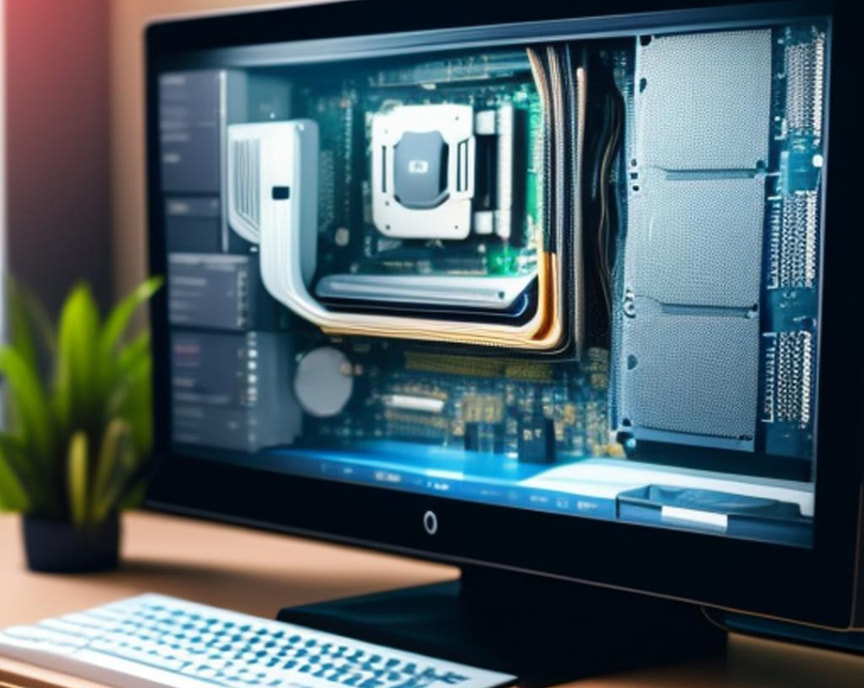 With costs, in general, continuing to rise, the question of whether to upgrade your home computer or invest in a new one may be on your mind – especially if your PC or laptop is slowing down or not performing optimally. Both options have their merits – and in fact, there is a third that people don’t often consider (noted at the bottom of this blog) -- and making the right decision requires carefully considering your needs, budget, and long-term goals.
 In today's digital age, computers have become an indispensable part of our lives, aiding us in everything from work and communication to entertainment and education. As these machines have grown more sophisticated, the need for regular maintenance has become increasingly important to ensure they operate at their best. Just like any other complex piece of technology, computers require proper care to deliver optimal performance and longevity.
Why Computer Maintenance Matters Imagine your computer as a well-oiled machine. Over time, without proper maintenance, its components can accumulate dust, files can become disorganized, and software might become outdated. Neglecting these issues can lead to a range of problems that affect performance and functionality.  Computers have become an integral part of our daily lives, simplifying tasks, and keeping us connected. However, when technical issues arise, the frustration can be overwhelming, especially for non-tech savvy users. Read on below for a simple and easy-to-follow guide for resolving common computer problems.
1. Start with a Restart: It might sound cliché, but restarting your computer can work wonders. Many software-related issues can be resolved simply by rebooting the system. So, if something isn't working as expected, start with a restart! |
This section will not be visible in live published website. Below are your current settings: Current Number Of Columns are = 2 Expand Posts Area = Gap/Space Between Posts = 10px Blog Post Style = simple Use of custom card colors instead of default colors = Blog Post Card Background Color = current color Blog Post Card Shadow Color = current color Blog Post Card Border Color = current color Publish the website and visit your blog page to see the results AuthorWalter Flynn is a Microsoft Certified Professional serving the greater Wilmington, Hampstead, Ogden, Wrightsville and Carolina Beach regions of North Carolina, including Archives
January 2024
Categories |
 RSS Feed